
Word River
Rafts drift down the river, each with a word on it: hop onto the one that fits and it carries you across to the next question. Three levels: sound-alike words like there, their and they're; words that mean the same or the opposite; and prefixes, suffixes and Greek and Latin roots like tele-, bio- and -less. A splash in the water costs nothing, and a wrong raft shows the right word and why.
Play nowWhat you learn
- 1Sound-alike words · Grade 4
- 2Same or opposite · Grades 4–5
- 3Word parts · Grades 5–6
How it works
Every level has a clear goal: a set number of right answers clears it. A wrong answer costs you in the game and then shows you the right one. Play with arrow keys or W A S D, swipe, or tap the on-screen buttons. Music and sound effects each have their own switch, and you can pause any time.
Every fact in this game was checked against a cited source by a separate fact-checker. No ads, no coins, nothing to buy.
Find more like it
- Grammar games for grades 3 to 6
- Parts of speech games for grades 3 to 6
- All words games
- Learning games for 3rd and 4th grade
- Learning games for 5th and 6th grade
Related games
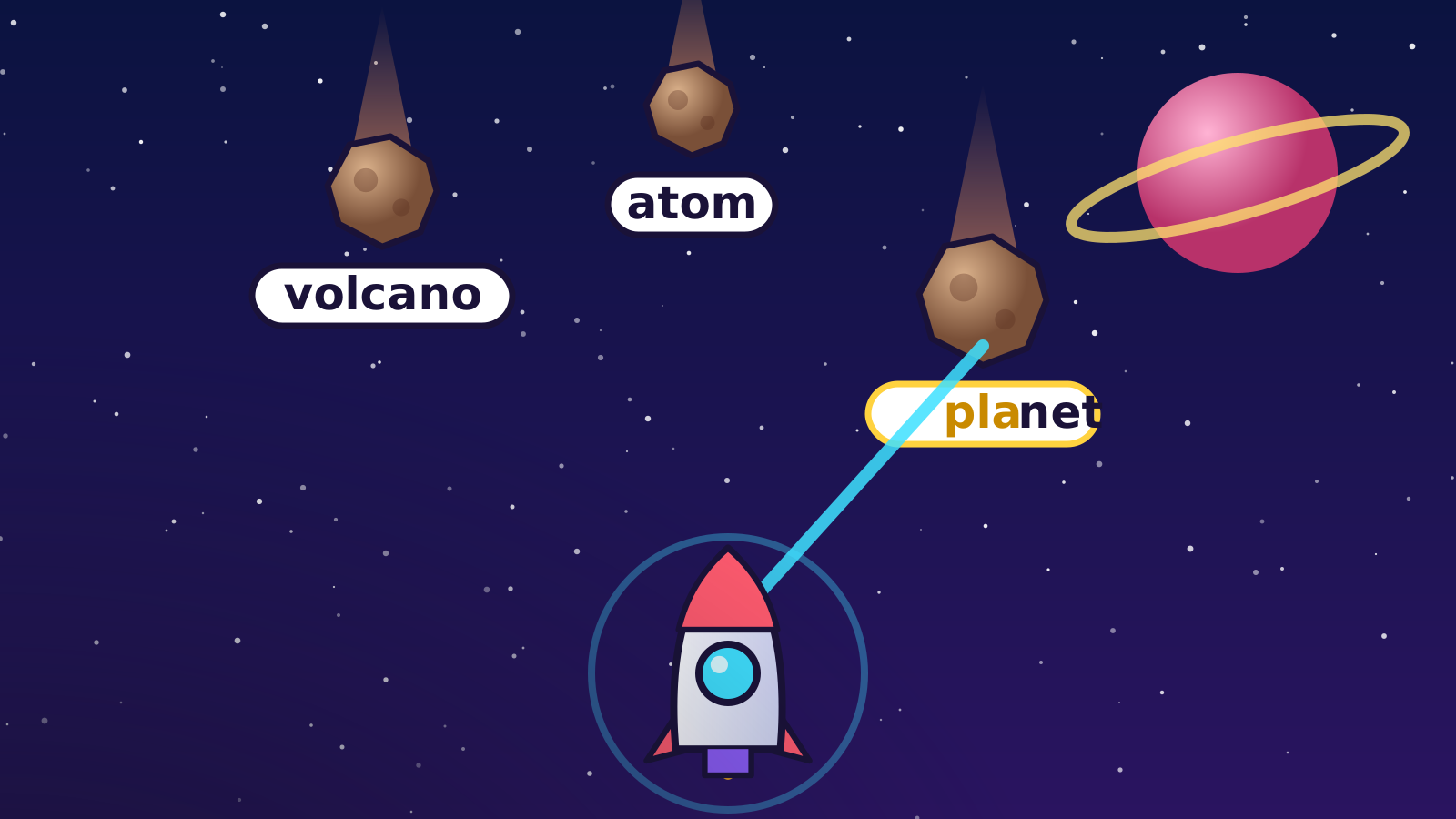
- Type Rocket: Type the words on the meteors to zap them, from atom to photosynthesis.
- Slice of Speech: Slice every word that is a noun, a verb or whatever part of speech the round names, and leave the rest.
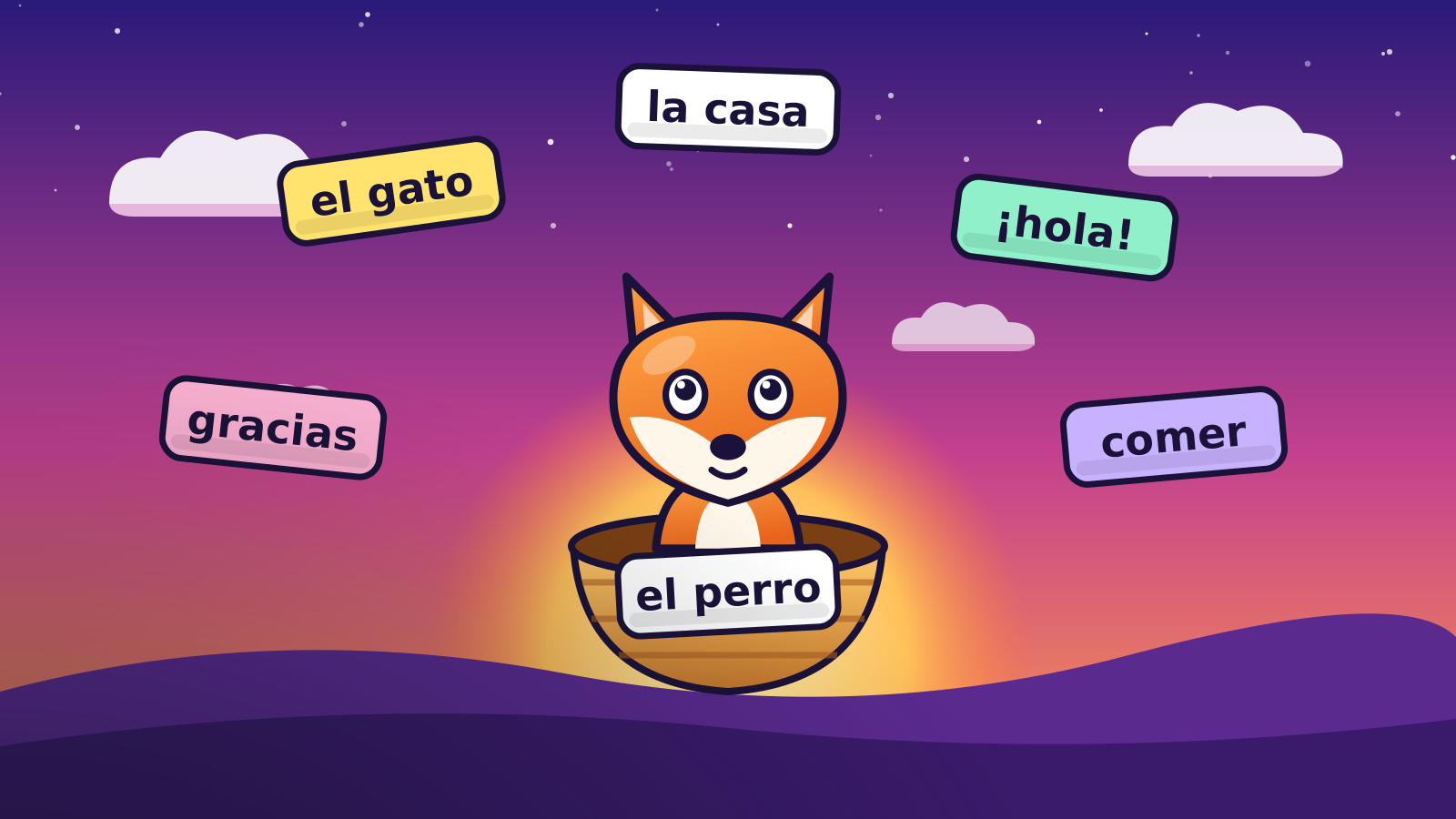
- Word Catcher: Catch the falling Spanish word that matches the English.
Standards each level practices
| Level | Grades | Standard |
|---|---|---|
| 1. Sound-alike words | 4 | CCSS ELA L.4.1g |
| 2. Same or opposite | 4–5 | CCSS ELA L.4.5c, L.5.5c |
| 3. Word parts | 5–6 | CCSS ELA L.3.4b, L.4.4b, L.5.4b, L.6.4b |
Codes are from the Common Core English Language Arts standards. States set their own standards, so your state's code may differ. How we check facts and grade levels.
Questions about Word River
Is Word River free?
Yes. Word River plays in a web browser with no account, no download and no ads, and nothing can be bought inside the game.
What grades is Word River for?
Grades 4–6. Each level is pitched at its own grades: level 1, Sound-alike words (grade 4); level 2, Same or opposite (grades 4–5); level 3, Word parts (grades 5–6).
What does Word River teach?
3 levels: Sound-alike words, Same or opposite, Word parts. A wrong answer costs something in the game and then shows the right answer, so mistakes turn into practice.
Does Word River work on a phone, tablet or Chromebook?
Yes. It runs in the web browser on laptops, Chromebooks, tablets and phones, with keyboard, mouse or touch controls, and fills the screen on a phone.
Can teachers use Word River in class?
Yes. It plays on a classroom projector with no student accounts and nothing to install.
More like this
 Type Rocket
 Slice of Speech
 Word Catcher
 Word Catcher: French
 Math-Man's Castle
 Answer Blaster
 Shape Breaker
 Times Table Dash
 Rock Stack
 Stamp Swap
 Beaker Bop
 Sort Storm
 Sky Atlas
 Civics Pop
 Time Snake
 Timeline Rush
 Food Web Builder
 Middle & high schoolLaunch Lab
 Number Line Bounce
 Circuit Sprint
 Middle schoolBalance Bridge
 Element Dash
 Middle schoolCell Builder
 Planet Hop